
What Visualbook is
Visualbook is an online brand manual at its own address. This page explains what a manual is made of, where you edit it and where to find what you need most often.
Two parts: the manual and the panel
Visualbook has two parts. The manual is the brand’s public website, for example yourbrand.visualbook.pro. Visitors find downloadable logos, colors, fonts, rules and other assets there.
The panel is the administration area at the same address under /panel: yourbrand.visualbook.pro/panel. This is where you build pages, upload files and configure the design and access. Both parts share the same content – whatever you save in the panel is visible to visitors as soon as they reload the page.
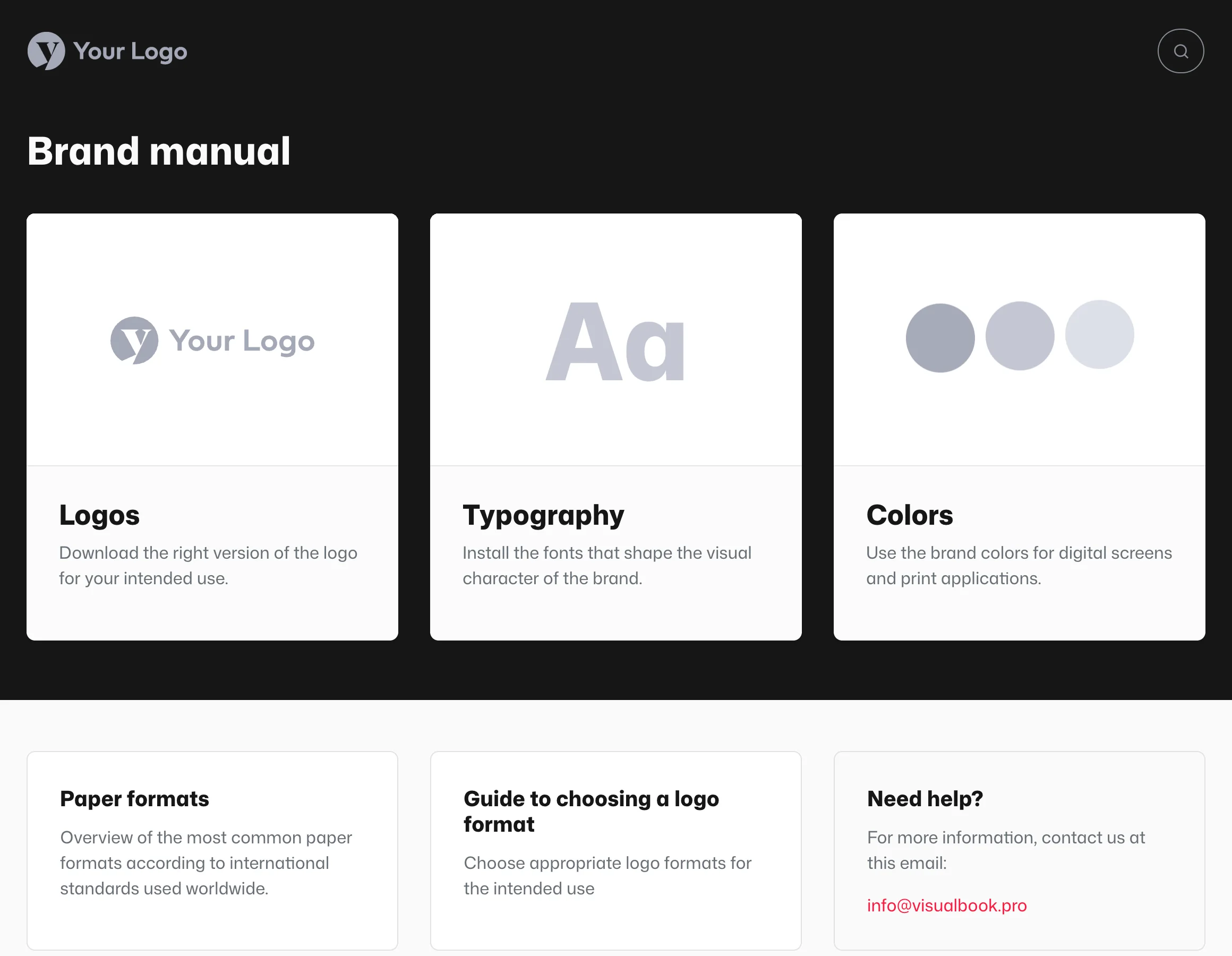
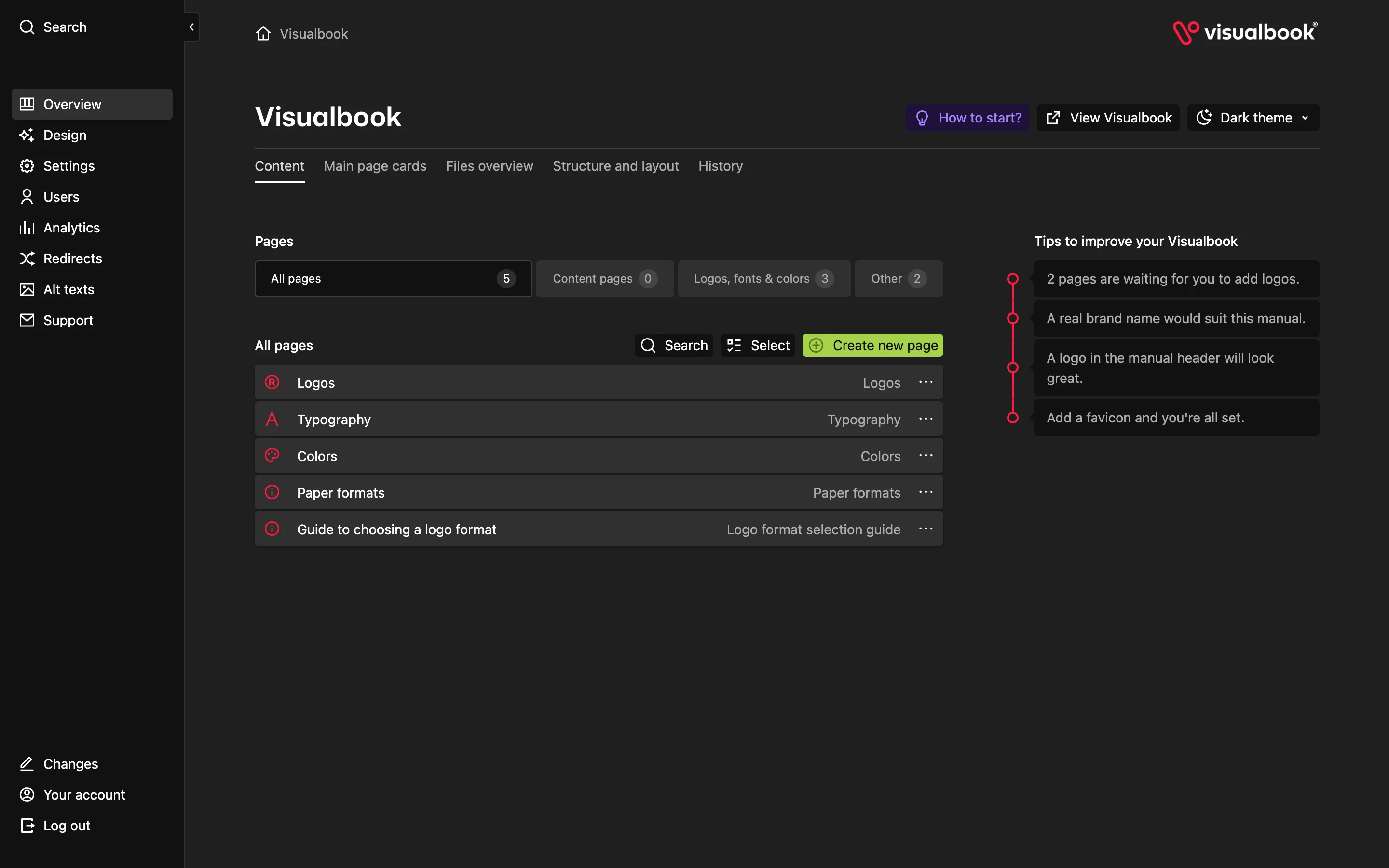
What a manual is made of
- A home page with cards – large and small cards link to individual pages. You choose in the panel which cards appear and in what order. See Home page cards.
- Pages – built-in types such as Logos, Typography and Colors come with ready-made fields. You assemble content pages yourself from sections. See Page types.
- Sections – the building blocks of content: text, images, galleries, video, downloads and more. See Section catalog.
- Design – the look of the whole manual: interface colors, fonts, corner radius, the header logo and the favicon. See Manual design.
- Settings – brand name, search engine preview, OG image, indexing, access protection, exports. See Site settings.
How these pieces fit together is covered in How a manual is built.
Three ways to edit the manual
All three change the same content, so you can combine them freely.
| Way | Where | Best for |
|---|---|---|
| The panel | yourbrand.visualbook.pro/panel | Manual structure, new pages and sections, Design, Settings, users, files |
| On-site editing | Directly on the manual page while you are signed in (desktop only) | Quick fixes to text, colors, links and images right where you see them |
| An AI agent via the AI connector | Claude, ChatGPT, Cursor and other MCP-capable tools | Bulk edits, translations and quality checks – the agent works with your account’s permissions and helps you manage the manual faster |
More detail: Panel tour, On-site editing and The AI connector.
Where to find things
| You want to… | In the panel |
|---|---|
| upload or replace a logo | Overview → the Logos page → a specific logo |
| change the header color, interface font or favicon | Design |
| change the brand name or search engine preview | Settings → Title and description |
| lock the whole manual with a password | Settings → Access Protection |
| edit the home page cards | Overview → Main page cards |
| add a colleague to the panel | Users |
| see what people read in the manual | Analytics |
| connect an AI agent | Guide Connecting Claude, ChatGPT and others |
How Visualbook is paid for
You pay for Visualbook once, with no monthly fees. Pages and logos are unlimited and the AI connector is part of every edition. The Designer, Studio and Company editions differ mainly in who we invoice – see Designer, Studio and Company editions.
Before you decide, you can try it out: a one-hour demo right away, or a 14-day trial at your own address. See Trial and activation.
Where to go next
- First sign-in and the welcome guide
- Panel tour
- Tutorial Your first logo manual in ten minutes
- Unfamiliar term? Glossary