
How a manual is built
Visualbook has four building blocks: a home page made of cards, pages, page groups and sections. Once you know which is which, you can find your way around both the panel and the manual.
The home page is a hub of cards
Visitors start on the home page. At the top is the main heading – the Brand Manual Description from Settings → Title and description. Below it are large cards (with an image) and small cards (title and description only). Each card leads to one page or one page group.
A card is not a page but a link with its own image and description. You choose which cards appear on the home page, and in what order, in Overview → Main page cards. The home page holds at most 15 large and 15 small cards.
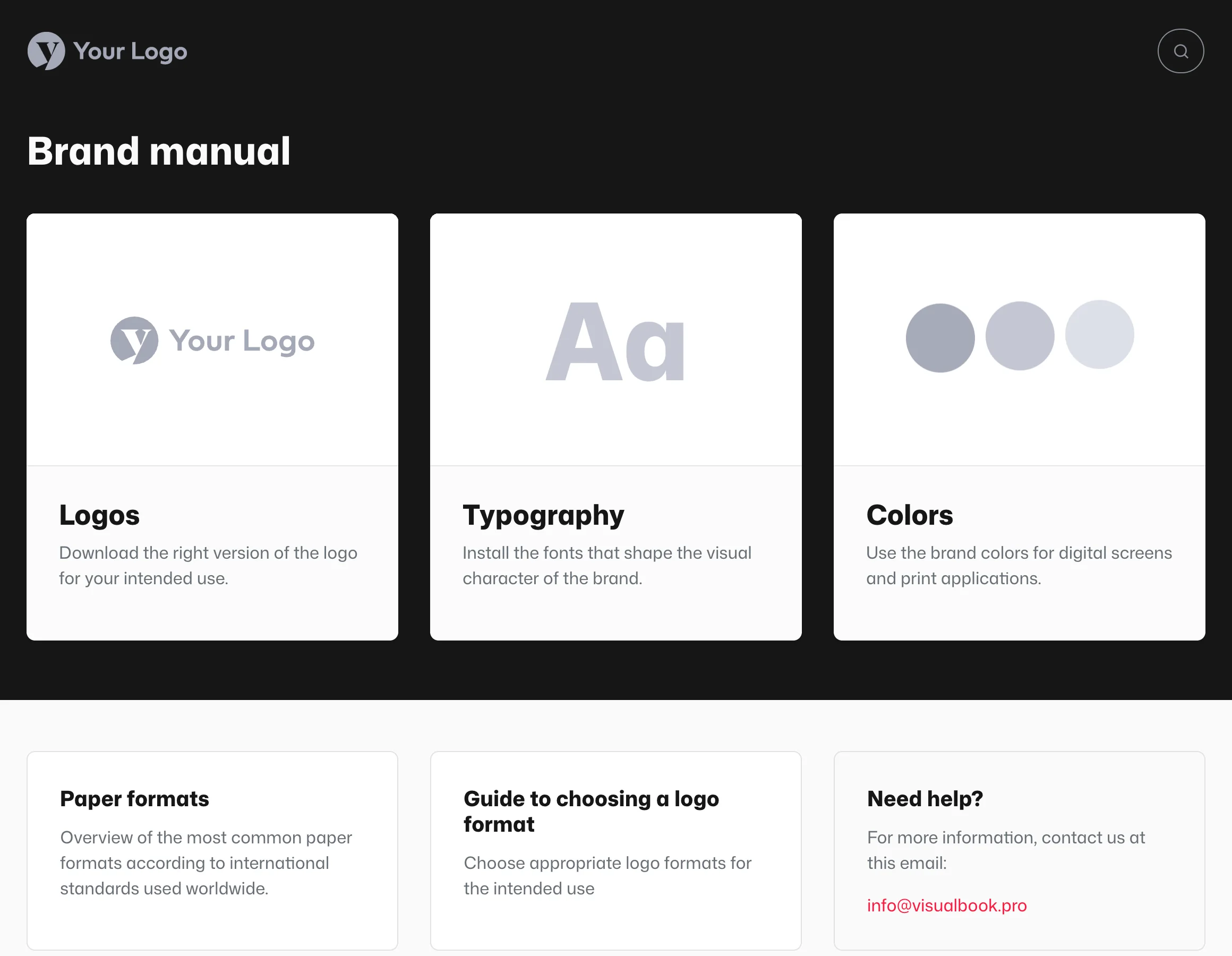
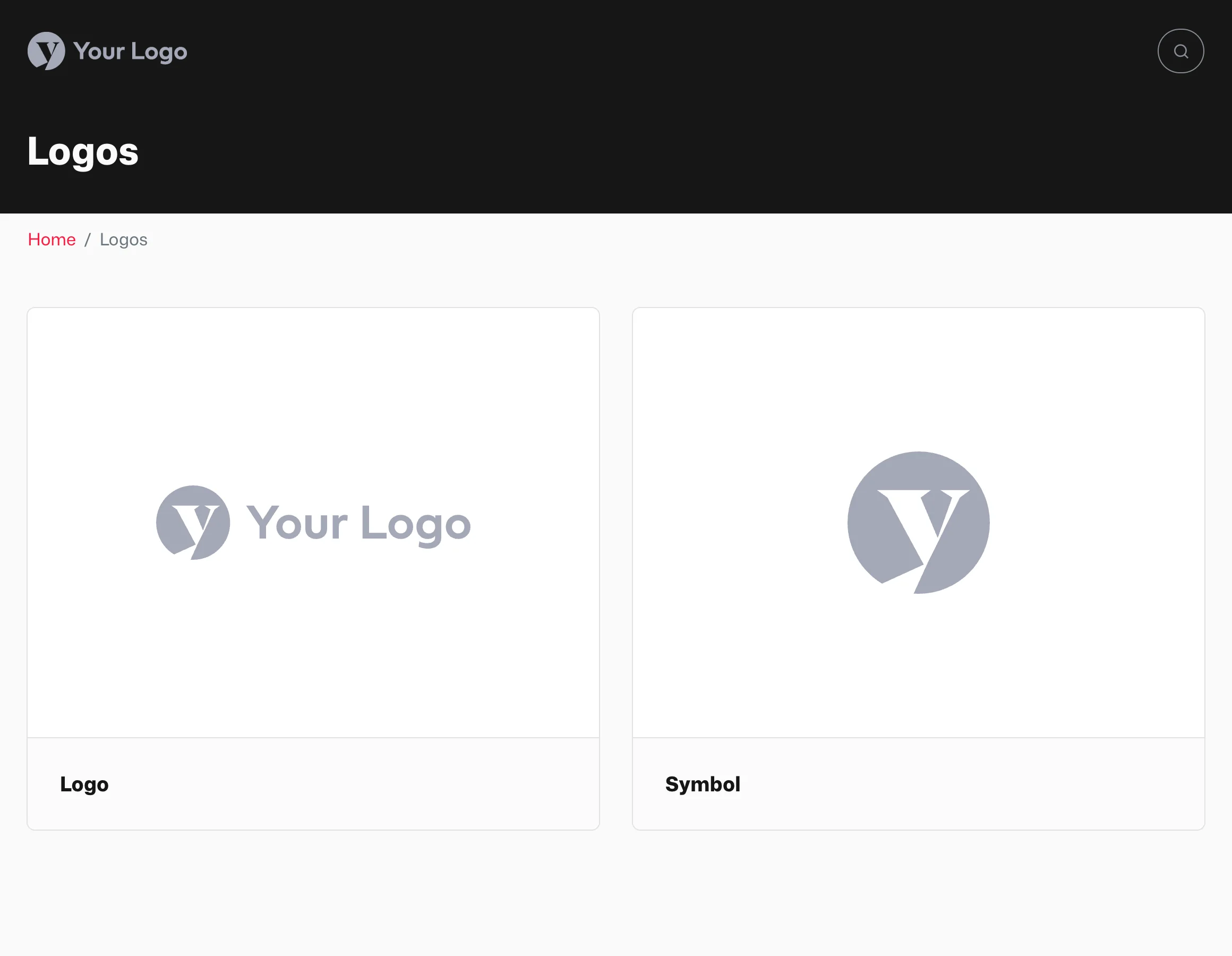
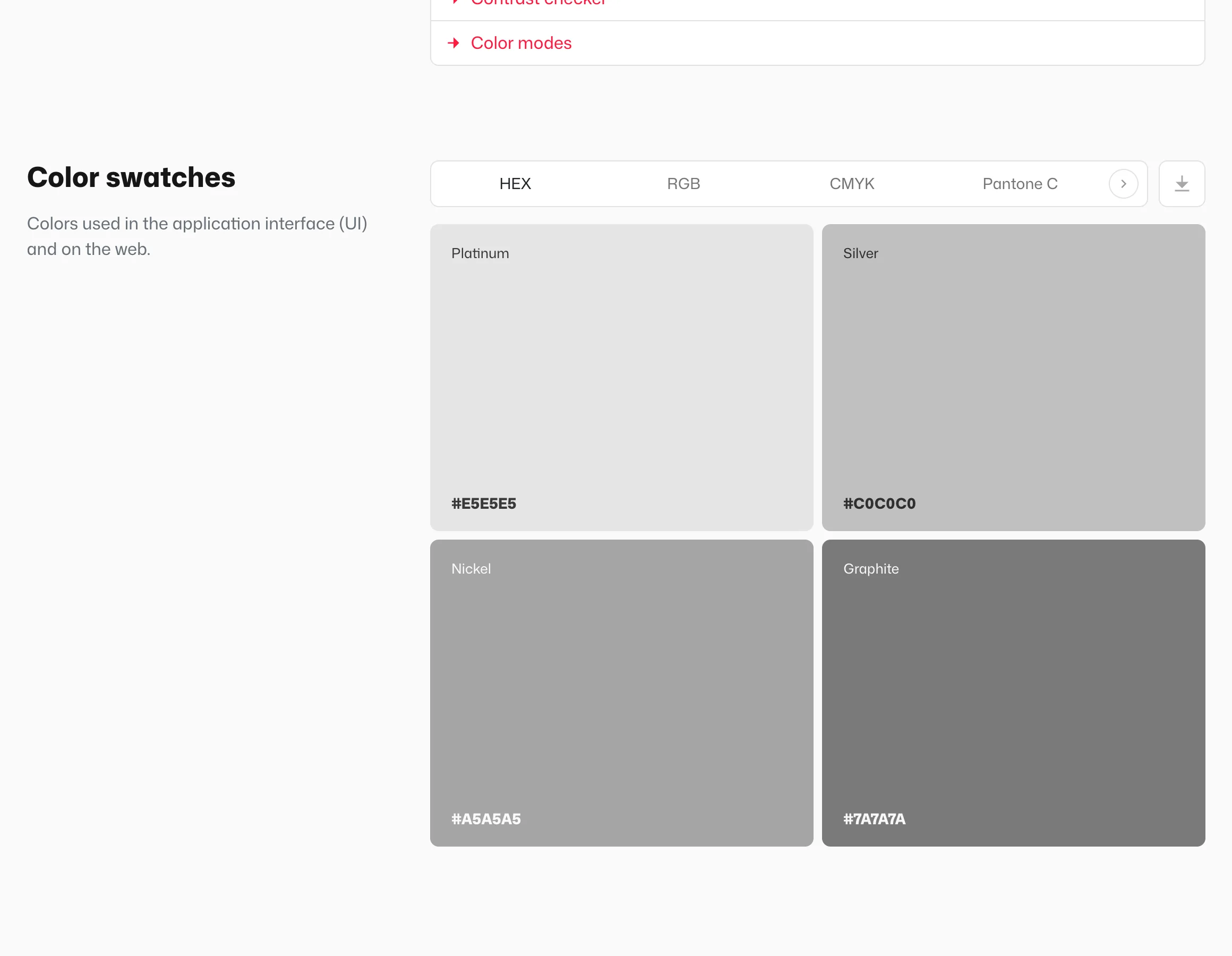
Visitors go from a card on the home page to a page, then through its sections.
Pages hold the content
Every page has a type that you pick when you create it. Logos, Typography and Colors come with a ready-made structure for the visual identity. A Content page starts empty and you build it from sections – use it for tone of voice, photography style or print materials. All types are listed in Page types.
All pages of the manual are in Overview → Content, in the Pages list.
Groups put several pages behind one card
A Page Group works like a folder. It takes one card on the home page and has its own large and small cards for the pages inside it – for example a “Print materials” group with business cards, letterhead and envelopes. A group can contain another group, but only one level deep. See Page groups.
Sections are the blocks inside a page
A page is made of sections stacked one below another: text, image with text, gallery, video, downloads, color swatches and more. You add a section with Add new section in the Sections on this page list. Sections can be moved, copied and hidden. See Working with sections and Section catalog.
Where to find what in the panel
| Level | What it is | Where in the panel |
|---|---|---|
| Home page | Hub of cards with the main heading | Overview → Main page cards |
| Page | Content on one topic; each page has a type | Overview → Content → Pages |
| Page group | Folder with its own cards | In the page list, as the Page Group type |
| Section | Content block inside a page | On the page, in the Sections on this page list |
An example structure
- Large cards: Logos, Typography, Colors and a content page “Tone of voice”
- Large card: a “Print materials” group with cards for Business cards, Letterhead and Envelopes
- Small cards: Paper formats and an external link “Photo bank” to
https://photos.company.com