
Search in the manual
Visitors search the manual for pages, logos, fonts and downloadable files. This page explains what search finds, how to turn it off and how to leave individual pages out.
What a visitor finds
Search covers the text of pages and sections and the files on them. It searches in the language the visitor is reading – in a two-language manual the search field says so, for example “Search in English version of the manual”.
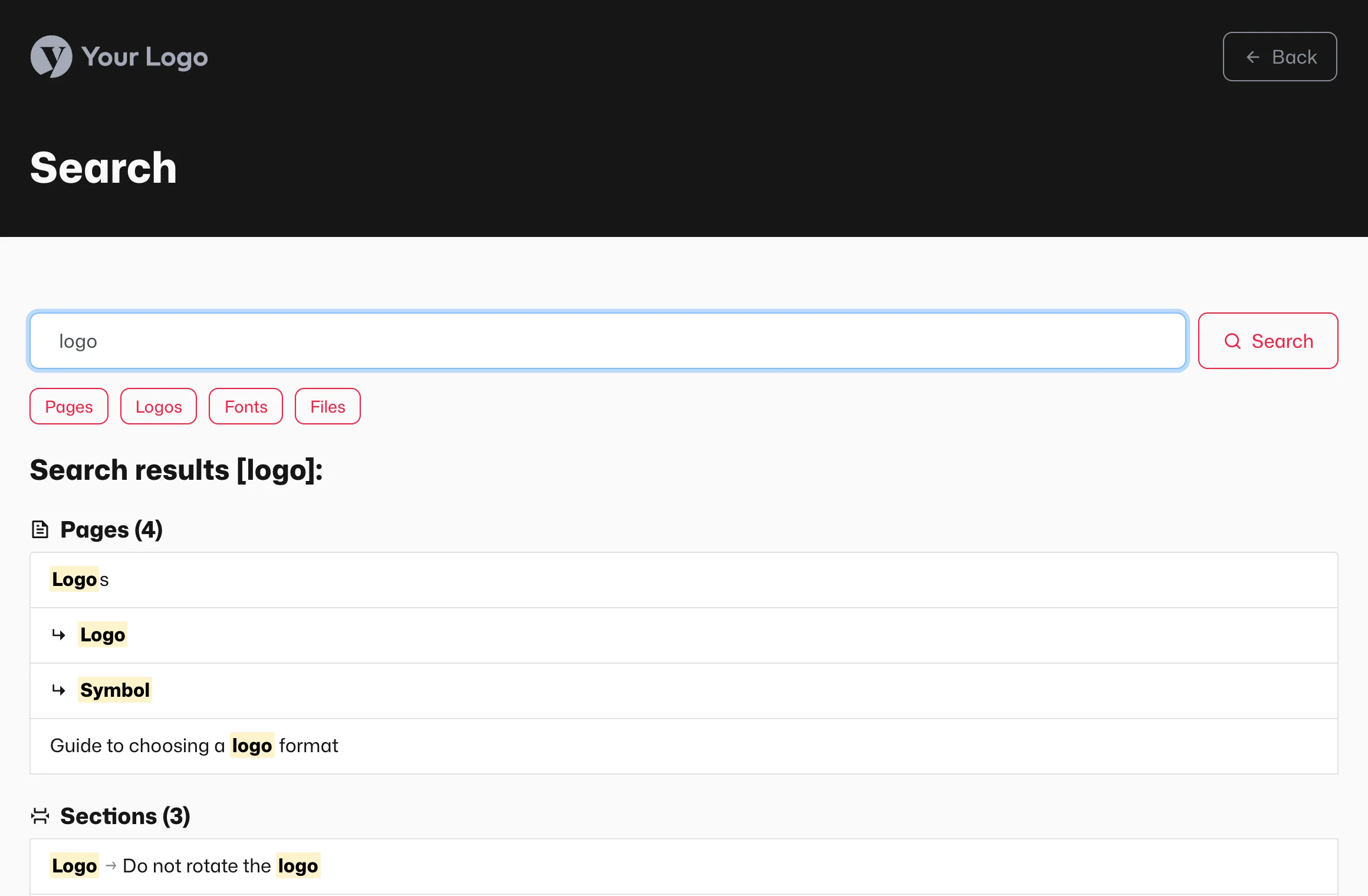
Results can be narrowed by type: Pages, Logos, Fonts, Images, Videos, Audio, Files and Links. A filter appears only when it has at least one result. A visitor can quickly find, say, the SVG logo without browsing the whole manual.
Turning search on and off
- In the panel, open Overview and the Structure and layout tab.
- Set the Search toggle to On or Off.
- Click Save.
With search off, the search icon disappears from the manual. A small manual with a few pages does not need it; in a larger one it saves visitors time.
Leaving a page out of search
- Open the page in the panel and go to the Content tab.
- Under Settings, set Hide page from Visualbook search to Yes.
- Click Save.
The page, its subpages and the files on them then stay out of the results. The page remains at its address and in the navigation – search only skips it. This is useful for helper pages, such as a list of retired logo versions.
Locked content in results
Text excerpts and files from locked pages appear in results only for a visitor who has already unlocked the page in this browser with a password or email. The title of a locked page may still show up, so keep anything confidential out of them. For details, see Locked content, search and AI.
Three different searches
| Search | Who uses it | How to leave a page out |
|---|---|---|
Search in the manual (…/search) | manual visitors | Hide page from Visualbook search |
| Google, Bing and other search engines | anyone on the internet | Settings → Page indexing, see SEO and link preview |
| Panel search | editors | not possible |
Questions and answers
Does search work in the static export?
No. Both the online and offline static export have search turned off, because they run without a server.