
Visualbook documentation
Guides, explanations and reference for everyone who builds a brand manual, runs one, or just needs the right logo. Start with the tutorial, or search right away.
Start here
Your first logo manual in ten minutes
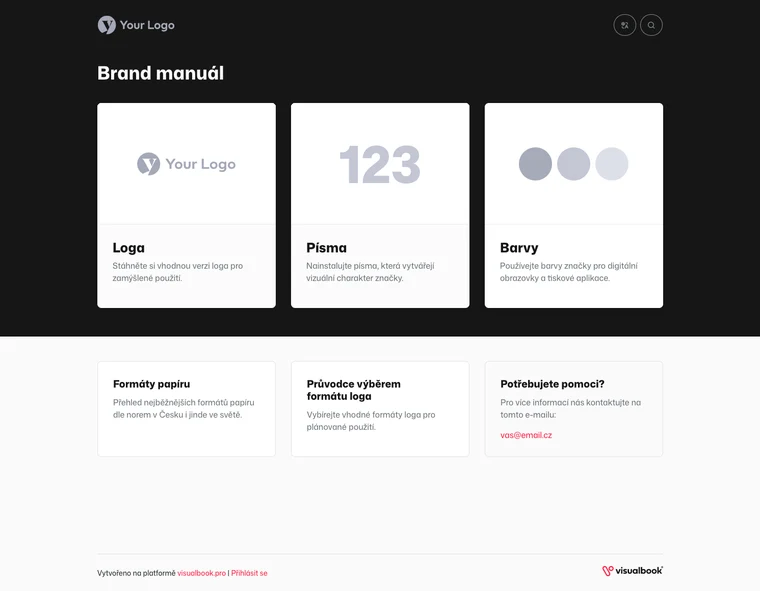
Turn a brand-new Visualbook into a manual you can send to colleagues – with your brand name, header color and logo, a favicon, a downloadable logo and a card on the home page.





What do you need to do?
The most common tasks and the page that solves each one.
- Upload a logo and offer it for download
- Lock a page for partners only
- Let in only people with a company email
- Add a colleague or client to the panel
- Add a new section to a page
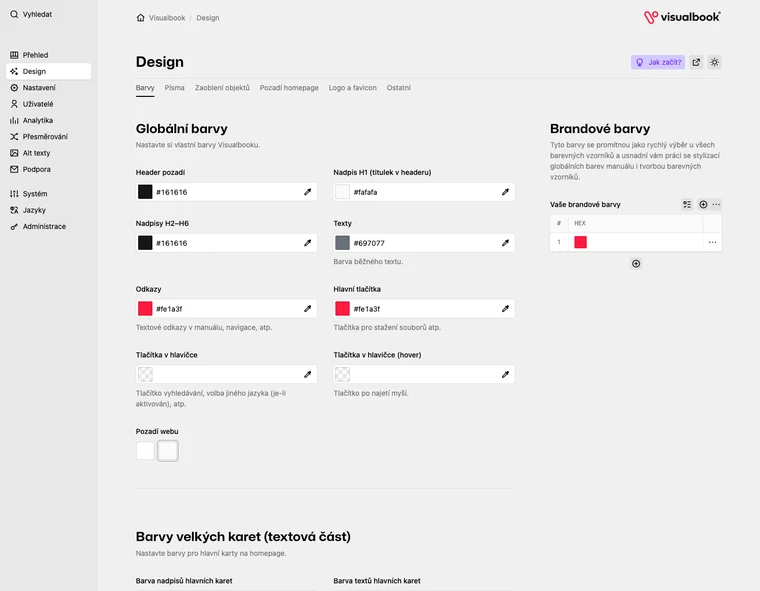
- Set the manual’s colors and fonts
- Prepare a second language version
- Run the manual on your own domain
- Download a backup of the whole manual
- Let an AI agent edit content
All documentation
Twelve areas, from your first sign-in to operations and AI.