
Brand strategy
Mission, values, positioning and target audiences. It explains why the brand looks and speaks the way it does.

Brand guidelines are the rules a brand is managed by: what it stands for, how it speaks and how it looks — from strategy and tone of voice to the logo, colors, typography and examples of use. They tell people and AI tools how the brand should come across, so it stays consistent everywhere.

The terms get mixed up. What sets them apart is how much of the brand they cover — from the logo alone to managing the whole brand.
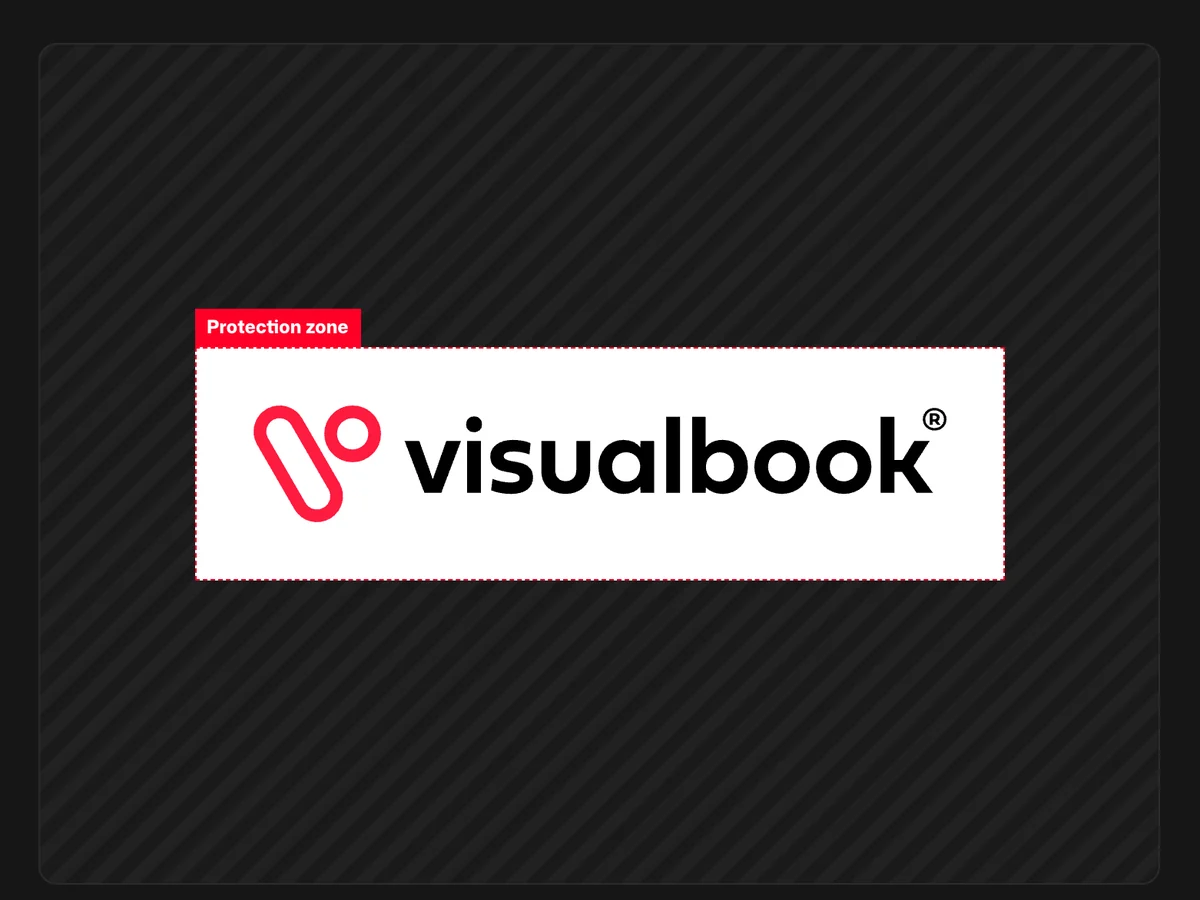
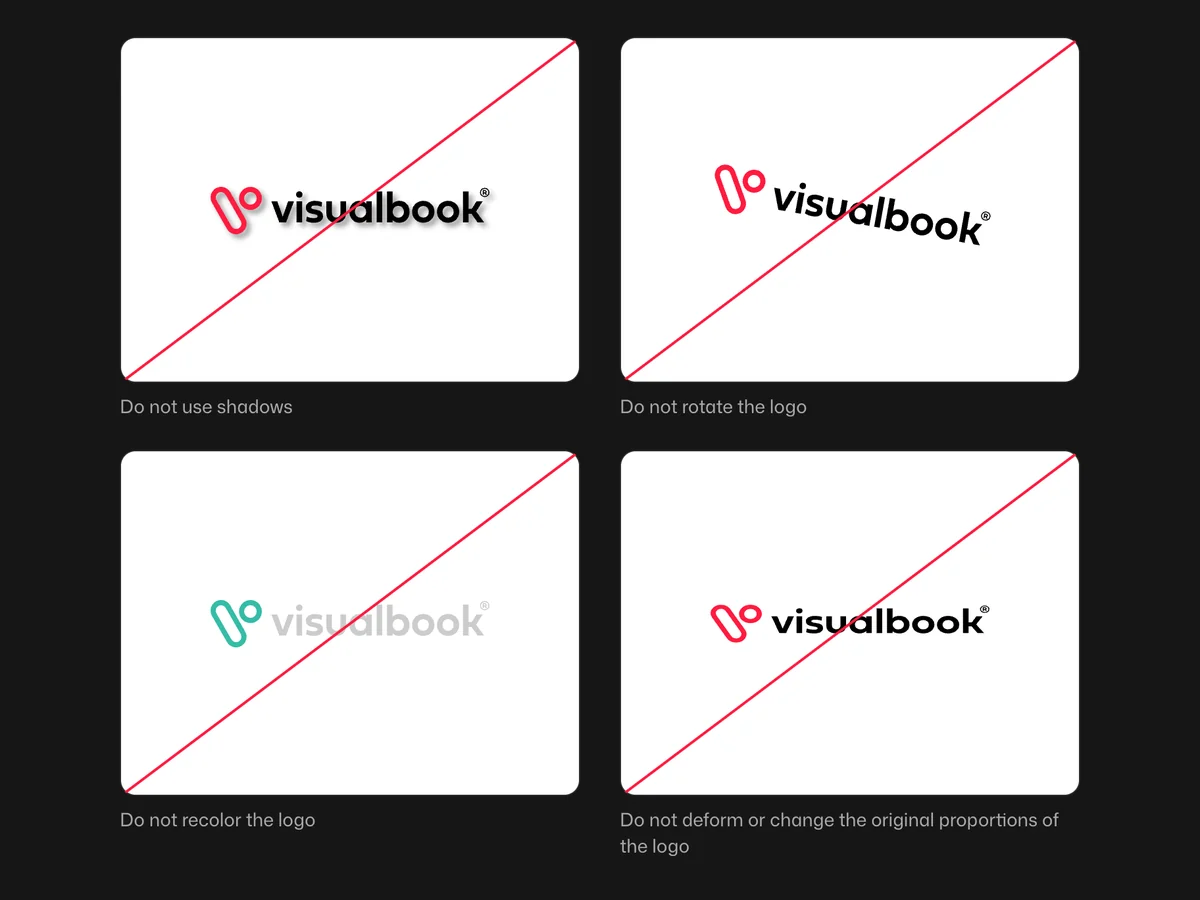
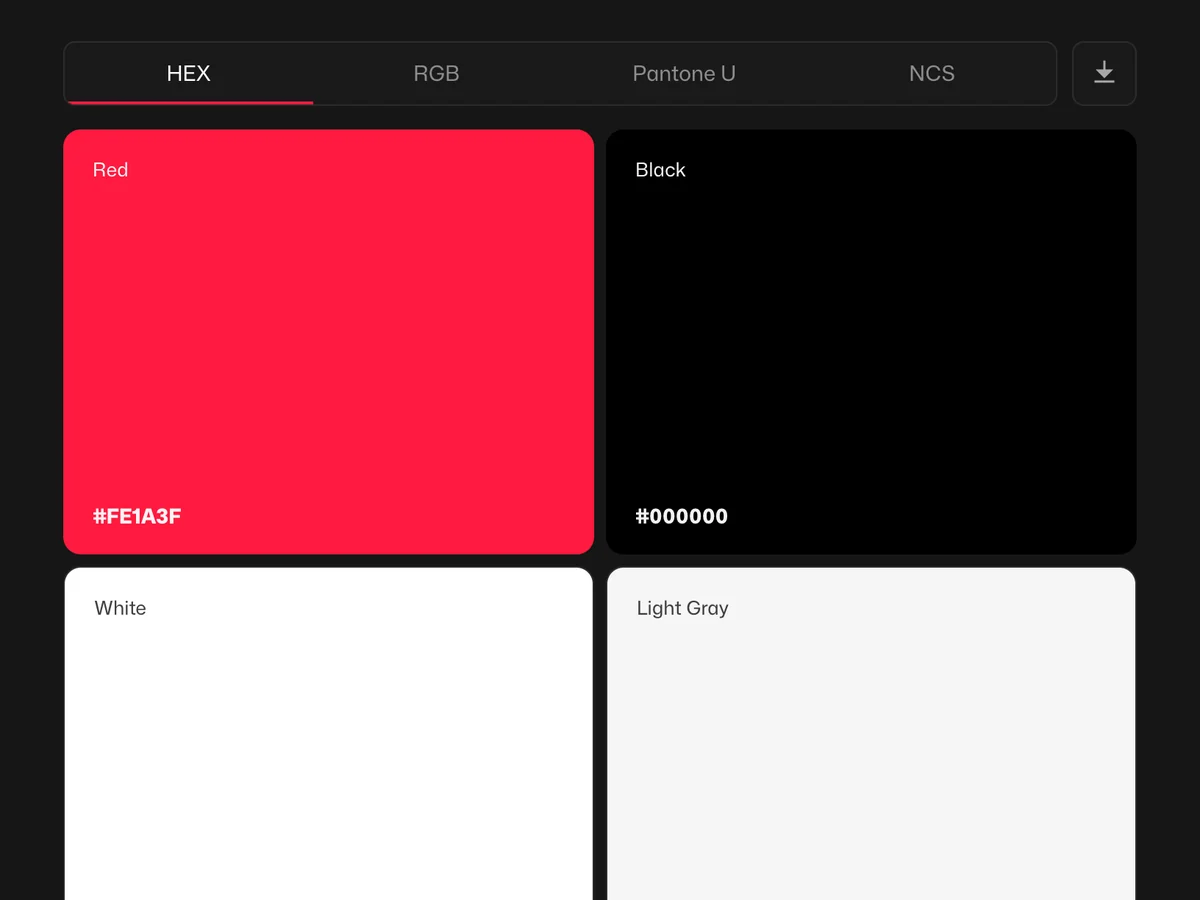
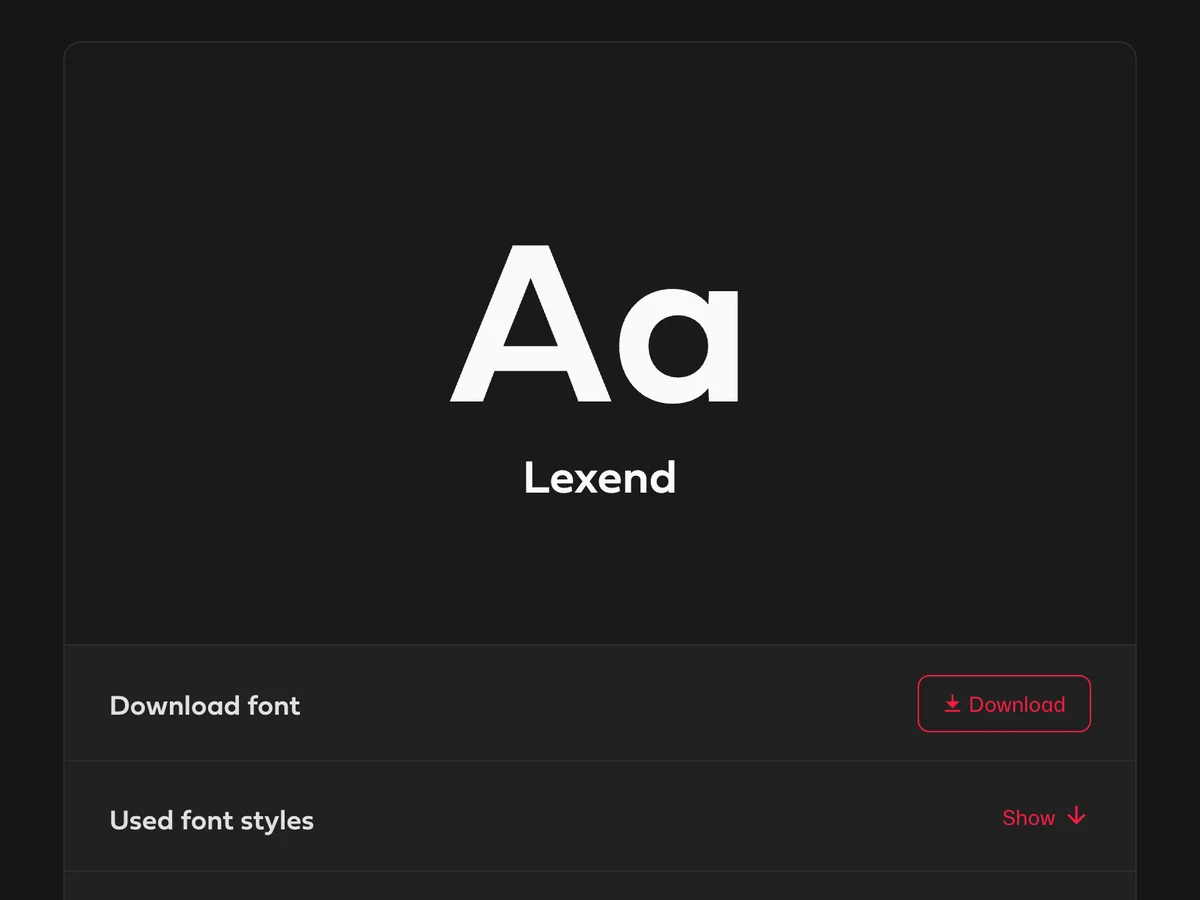
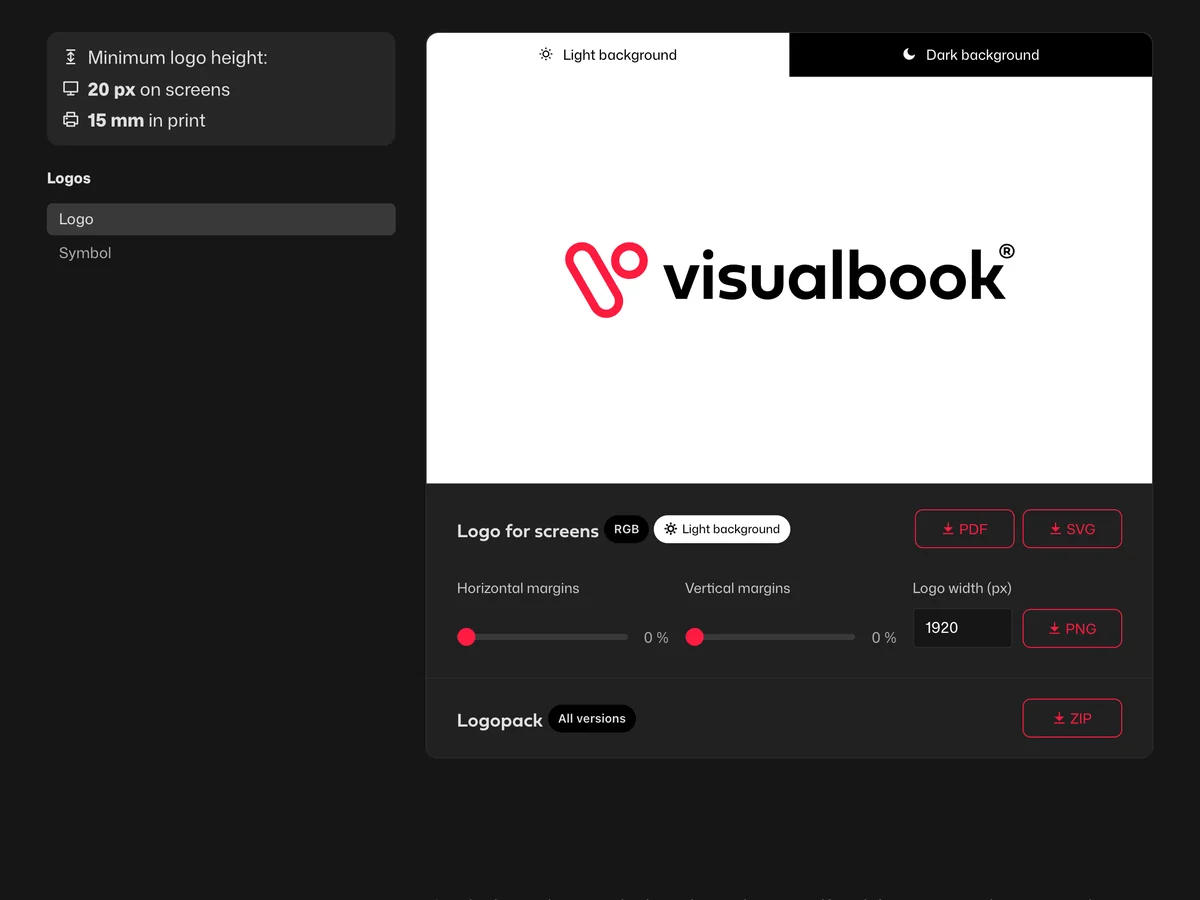
Strategy and tone say what the brand stands for. The visual part — logo, colors, typography and downloadable files — shows how it should look. The examples come from the Visualbook sample manual.
Mission, values, positioning and target audiences. It explains why the brand looks and speaks the way it does.
How the brand speaks, how its name is written in text and which words it uses — or avoids.
Icons, patterns, shapes and the grid that brand materials are built from when the logo isn't there.
The image style the brand uses, how to handle light and cropping, and which pictures don't belong.
Business card, letterhead, envelope, stamp or product packaging — with dimensions and print-ready files.
Website, social media, email signature and presentation template. This is where the brand shows up most often.
The content is the same. What differs is how you work with it after hand-off.
Five steps from strategy to guidelines people actually use. They apply to PDF and online alike.
Mission, values, positioning and tone of voice. Without them, the visual rules are just copied instead of growing out of something.
The logo as vector files (SVG, PDF, EPS), exact color values, typefaces with their licenses and the materials that already exist. Whatever is missing, the brand designer fills in.
Clear space and minimum size of the logo, colors for print and screen, typographic hierarchy. Describe each rule in one sentence so it's easy to follow.
Do and don't examples on real materials — a business card, a social post, an email signature — together with the logo pack, typefaces and templates. Logopack Studio exports all logo files from one source for free.
The guidelines should have one address and one owner who keeps them current. In Visualbook, an AI agent helps too — it creates pages, fills in text and translates it.
The cost is made up of designing the rules, where the guidelines live, and keeping them up to date. Each part is paid separately.
Work by a designer or studio: strategy, tone, logo, colors, typography and examples of use. The price depends on scope — from a few thousand euros for a smaller brand to tens of thousands for extensive guidelines.
Depending on scopeThousands to tens of thousands of €
A one-time price for the setup, no monthly fees for running it. A company with its own brand buys the Company edition; a designer working for clients buys Designer.
Excl. VATFrom €412 one-time
Pricing and comparison with subscriptionsWith a PDF, every change is a new job for the designer. Online guidelines you edit yourself or with an AI agent, and running Visualbook is free.
Running Visualbook€0 per month
Real brand manuals running on Visualbook.
Logo guidelines cover only the logo: its versions, clear space, minimum size, colors and misuse. Visual identity guidelines add typography, the full color palette, graphic elements and examples of use. Brand guidelines go furthest — besides the visual identity, they also describe the brand strategy and tone of voice.
As many as the brand actually uses. For a smaller company, a few sentences about what the brand stands for plus the logo, colors, typography and downloadable files are enough. Large brands have dozens of pages, including packaging, signage or rules for sub-brands. Short guidelines people read beat long ones nobody opens.
The rules are designed by the designer or studio that created the brand — they know the reasons behind each decision. Marketing often takes over the upkeep afterwards. That is why online guidelines need to be editable without a designer.
Whenever something people use changes: a new logo version, a new print item, a presentation template or a contact. With a PDF, changes get postponed because of cost and distribution, so the guidelines go out of date. Online guidelines change as you go.
No. In Visualbook you can lock the whole manual with a password, or only individual pages and files, such as print files for suppliers. The public part can appear in search engines, the locked part can't.
Yes. The PDF content is split into pages and the rules get their downloadable files. In the Company edition, importing your existing manual (logos, typefaces and colors) is included in the price. And if you want to keep the manual outside Visualbook as well, you can download a static export.
Yes. Every Visualbook has an AI connector (MCP) through which your AI agent helps you manage the manual even faster: it creates pages, writes and translates text, or checks what is missing. It also reads the brand rules from the manual when creating new materials.
Start a one-hour demo right now. A trial Visualbook at your own address is free for 14 days — no credit card needed.


