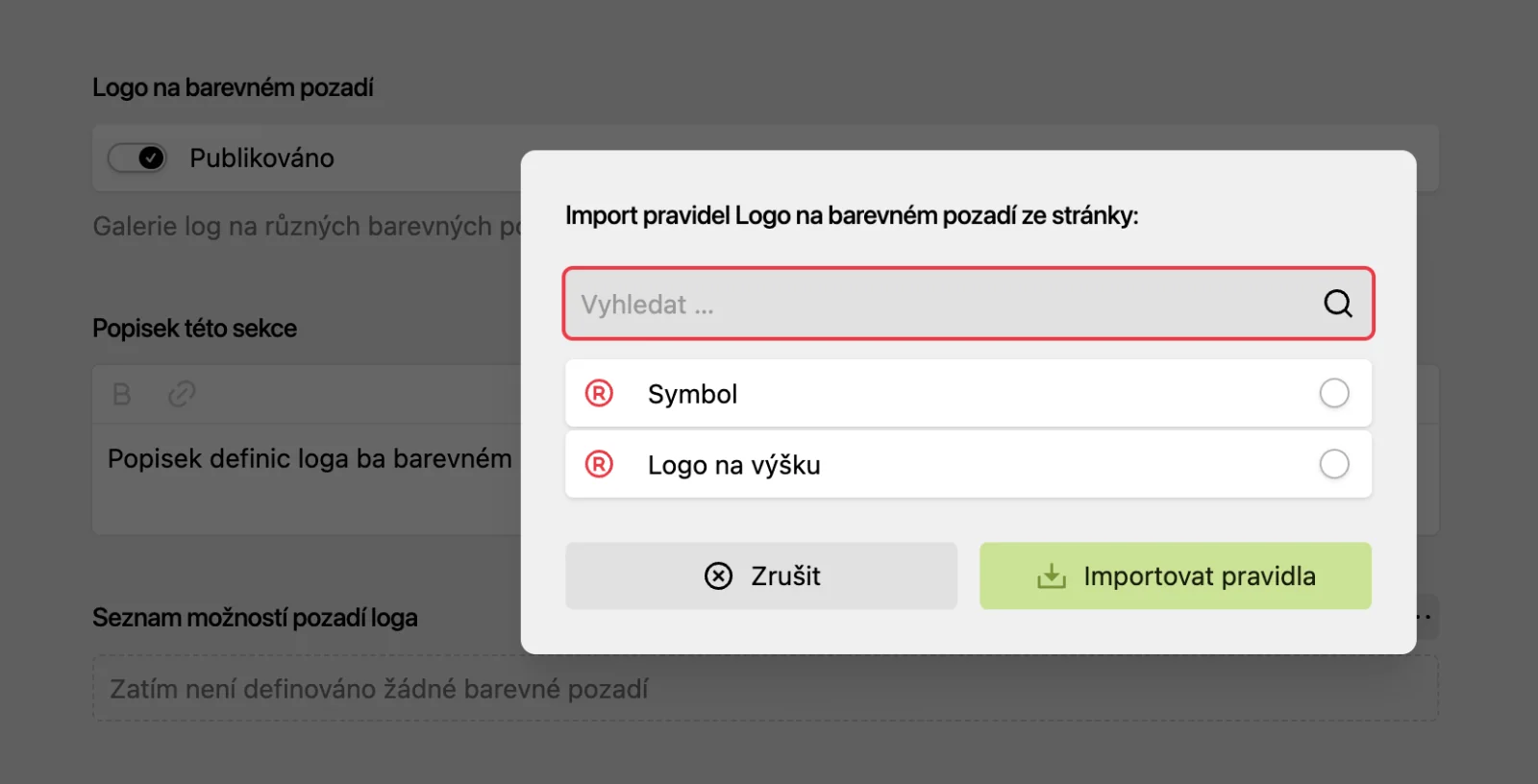
Copy guidelines from one logo to another in a single click1
Preparing the guidelines for a logo on colour and image backgrounds takes some time. For further logo variants derived from the main logo, however, you no longer have to click through those guidelines again. You simply choose which page to import the guidelines from and you're done.
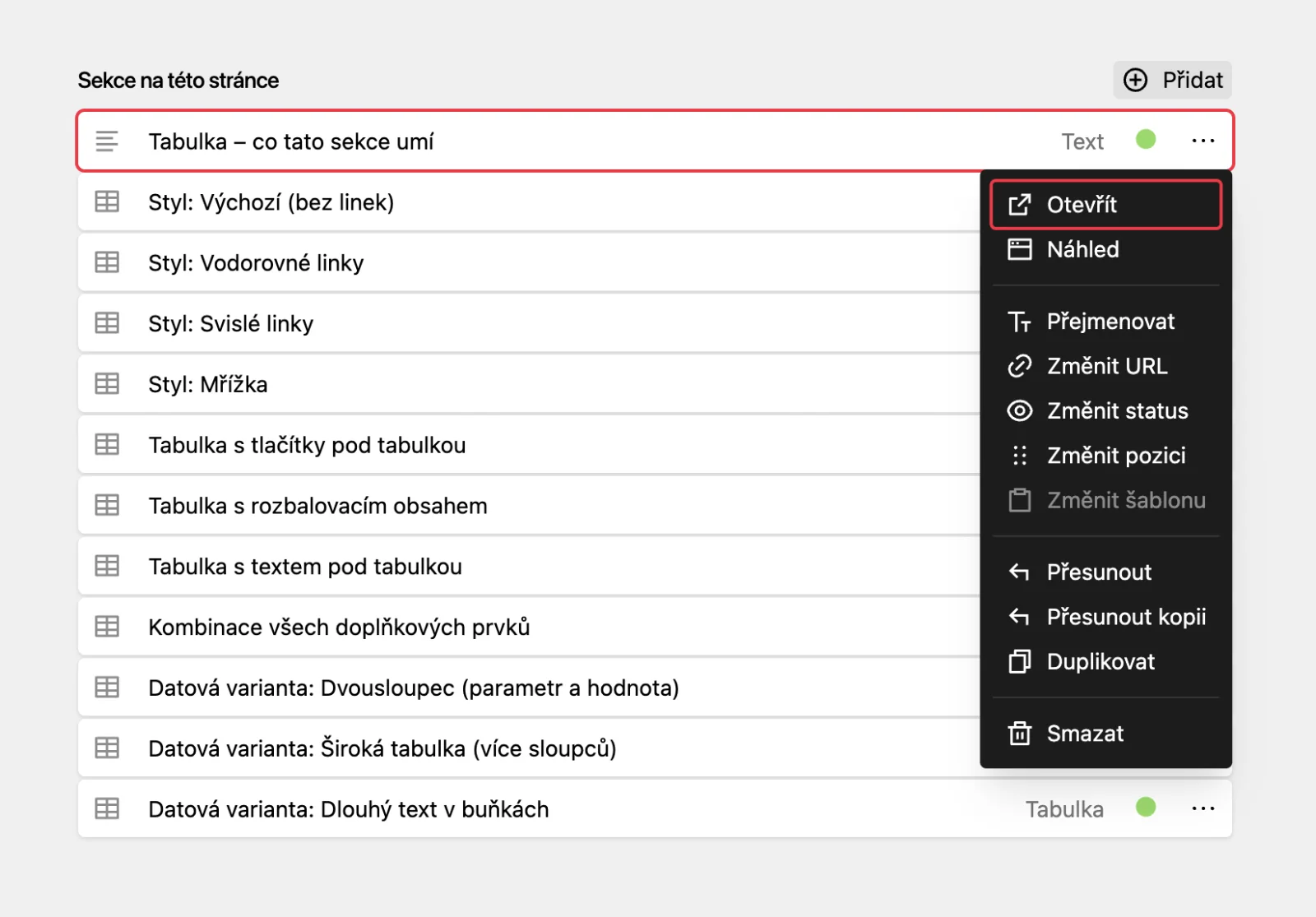
Move a copy of a section without duplicating it1
If you have created a section with content that can be used entirely — or just partly — on another page, you can now move that section as a copy in one click. No duplicating, moving and rewriting the name afterwards. One click creates the same section wherever you need it.
New table options1
The Table section comes with a whole range of improvements. You can refine the table style and add buttons, collapsible content or additional text below it.
Nothing found. Try another word, or see the documentation.